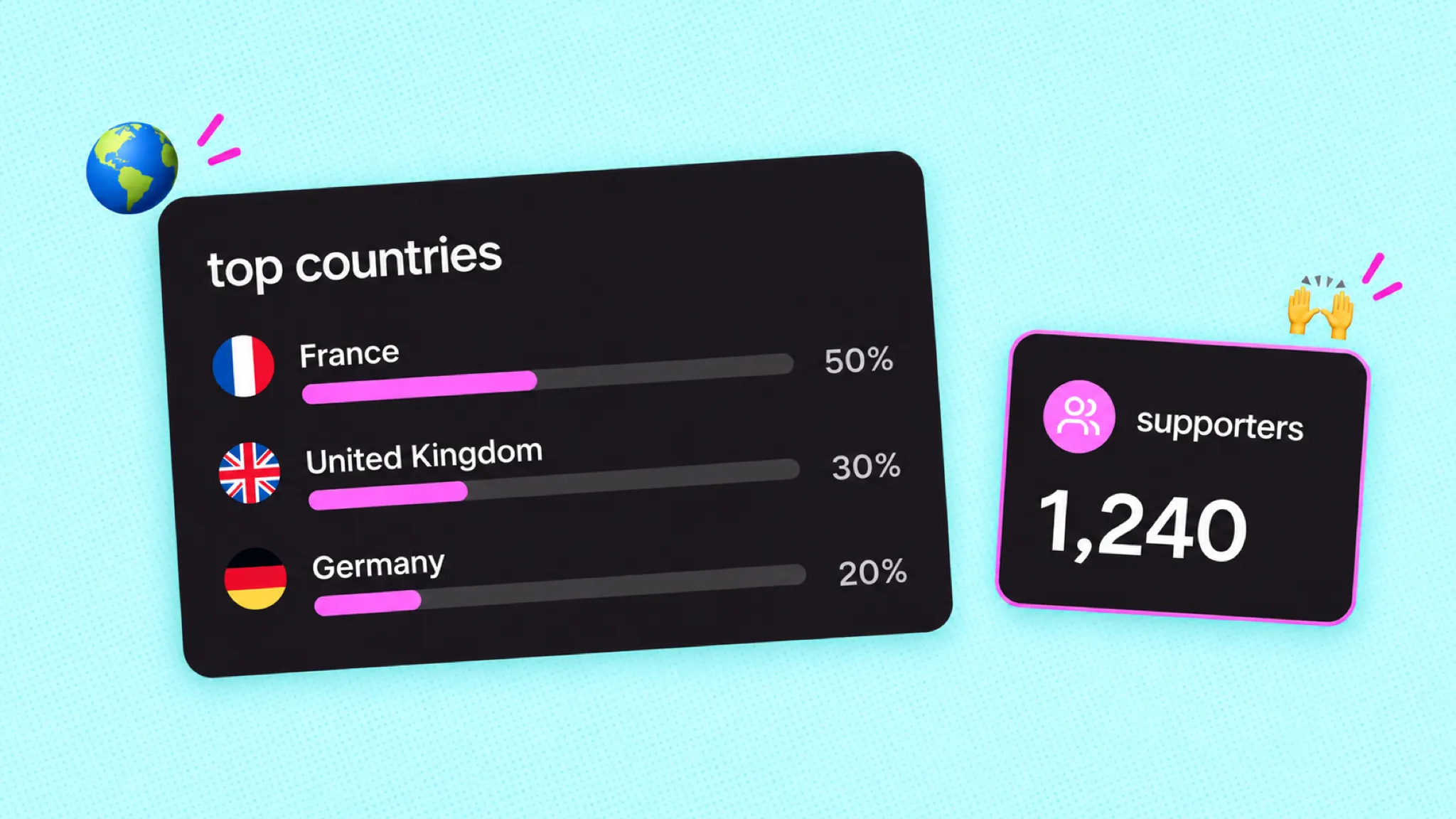
community insights, rebuilt: see what your supporters did
Community insights now shows your community, who supports you and how every action is doing, in one place in your dashboard.
Likes tell you what people enjoyed. Insights tell you what people did. In September we rebuilt community insights so the second one is easy to find and easy to read.
all your numbers, in one place
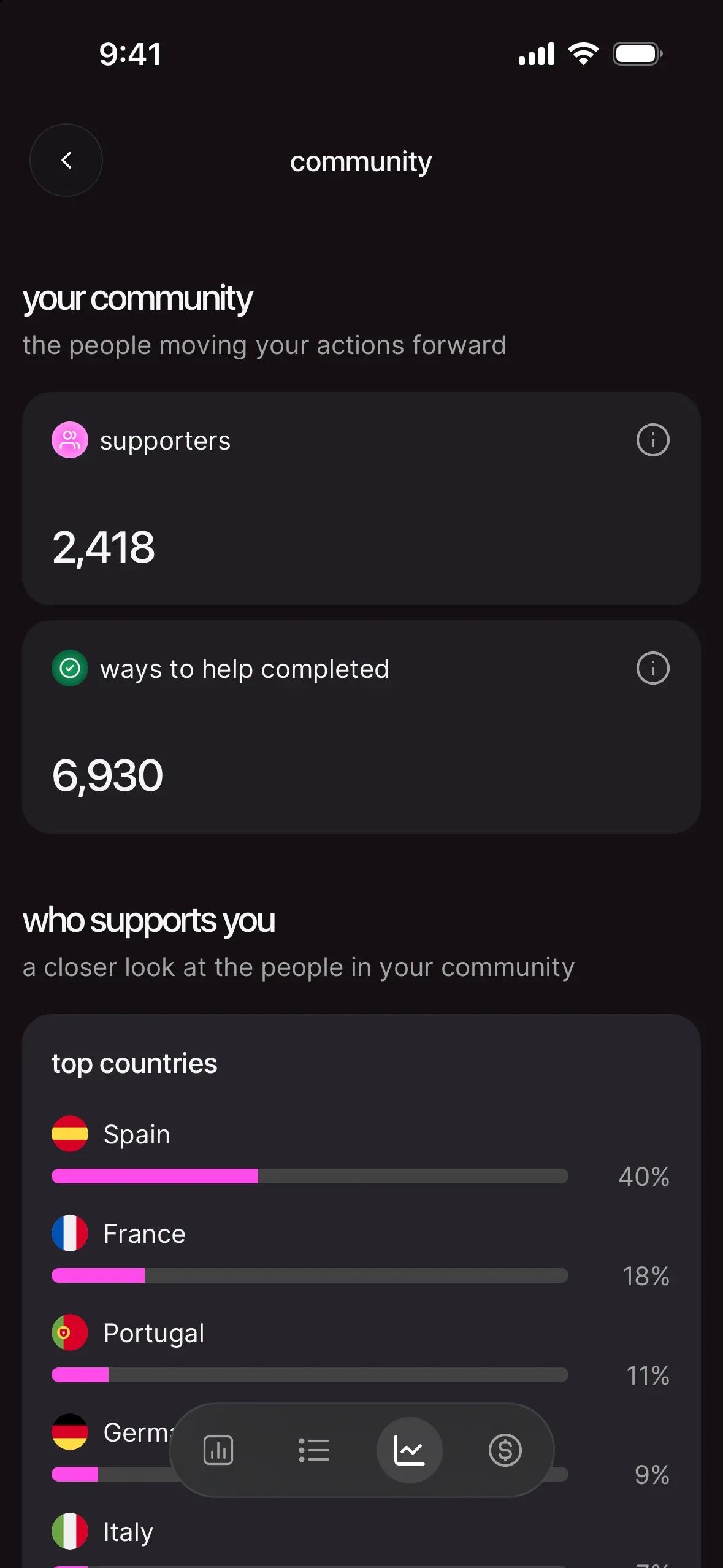
Today, you'll find it in your dashboard: open the dashboard tab on mobile, or dashboard in the left sidebar on a computer, then go to community insights. It has three parts.
- your community: your supporters (people who follow you or started one of your ways to help) and ways to help completed, every time a supporter finished one.
- who supports you: your top countries and your age ranges.
- your actions: every action, newest first, with its supporters and supporter completions. Tap one to open its action page.
Just starting out? You'll see "share your work, grow your community" and a share your profile button. Tap it, and the numbers arrive when people do.
what to do with them
Look at one number a week and fix one thing. Lots of supporters but few completions? Your action asks too much, so shorten the first ask. Few supporters but healthy completions? The action works and nobody's seeing it, so share it again. Our guide walks through every case: community insights: read your numbers, run better actions.
Knowing who shows up also helps when you ask for support. A community that keeps showing up is the base for monthly funding. Here's how to grow it without the guilt trip: grow your monthly supporters (without guilt-tripping anyone).
your next move
Open community insights, find the action with the fewest completions per supporter, and tap into it. One number, one fix, one week. Then look again.