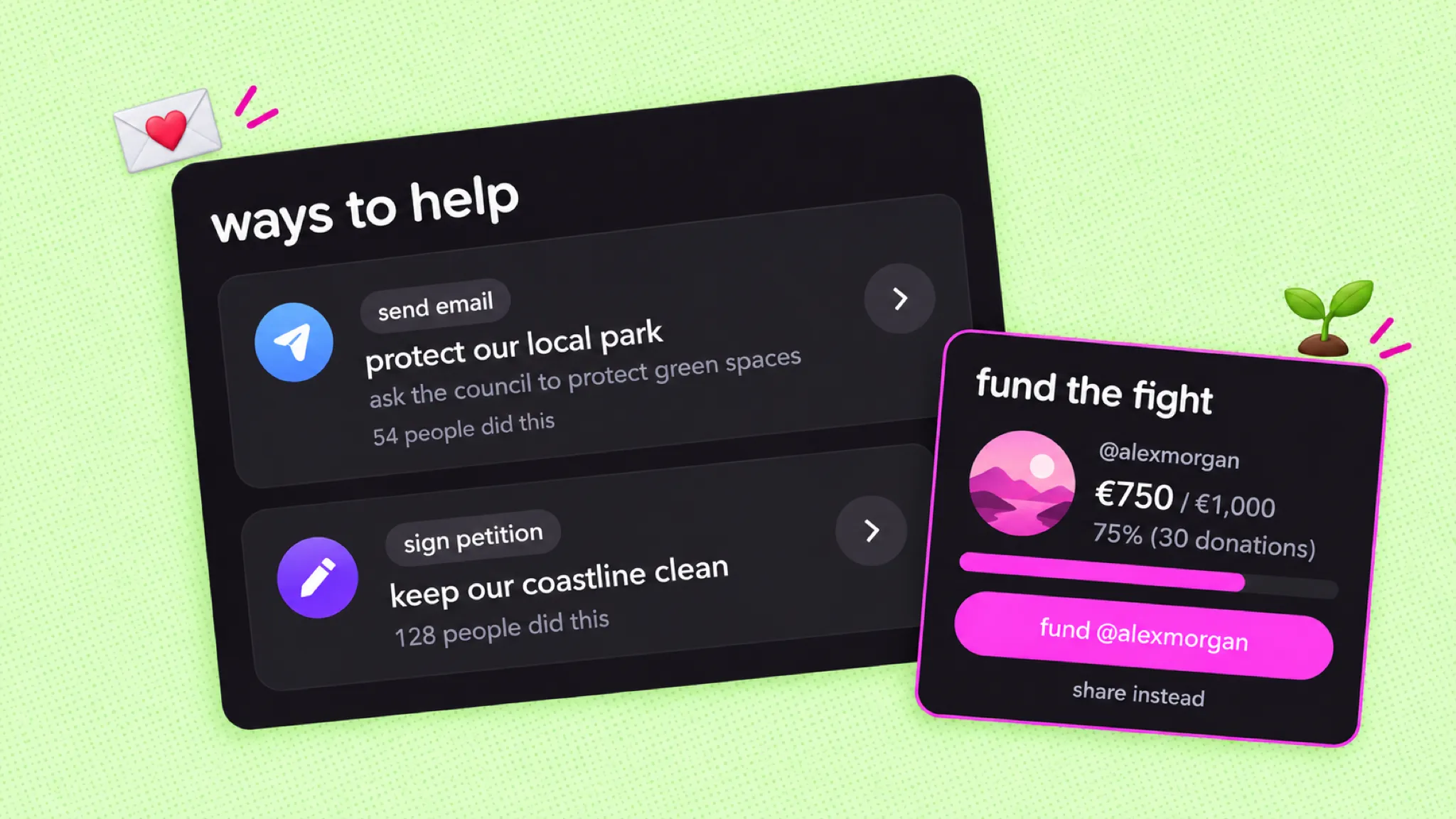
your action page, rebuilt: one page for the whole fight
Each action now has one page that tells the whole story of your fight. Plus: pin your best way to help, tell your fundraising story and export your supporters.
In April and May we rebuilt the action page. The idea is simple: one link, one page, the whole fight. Your supporters see what you're doing, what they can do and what it already changed. You get fewer places to look and more ways to show off the work.
one page for the whole fight
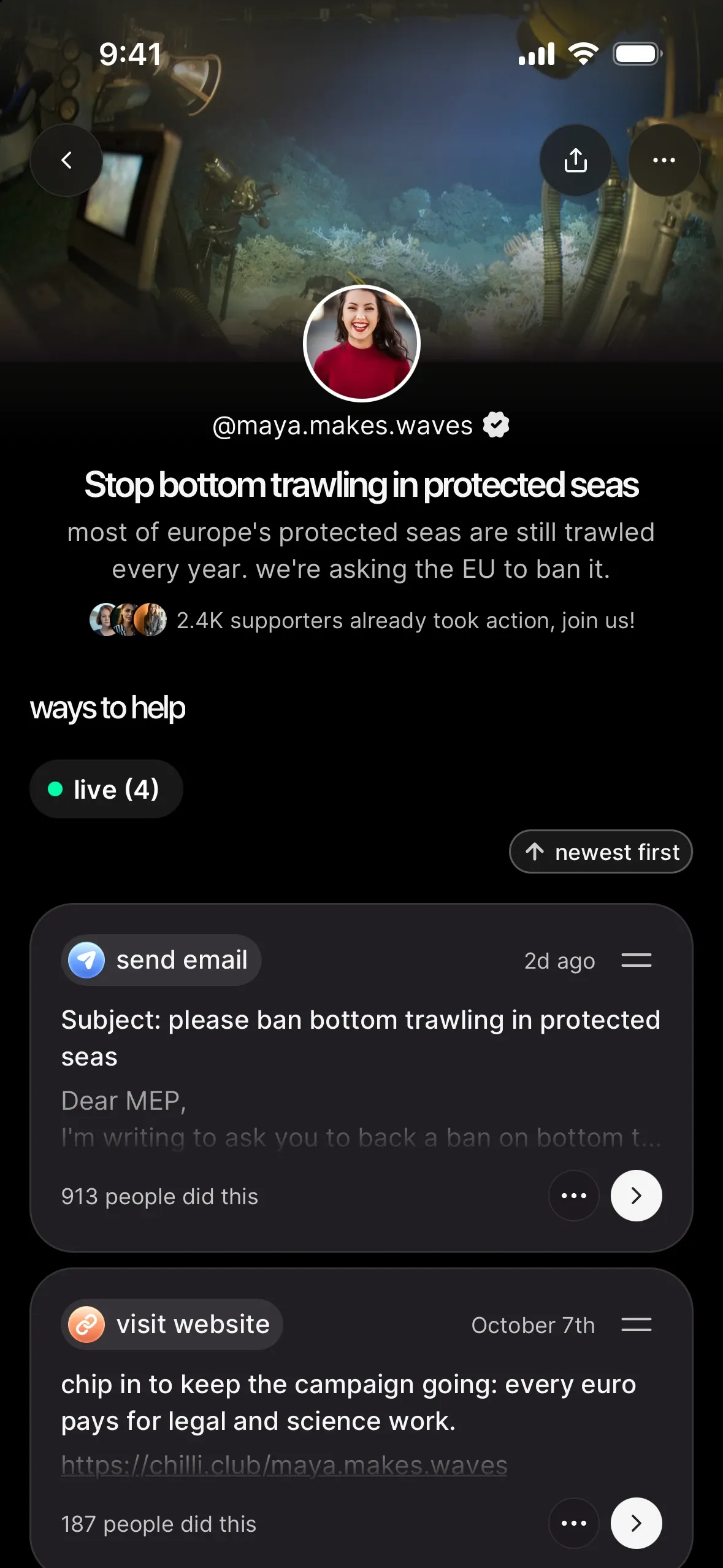
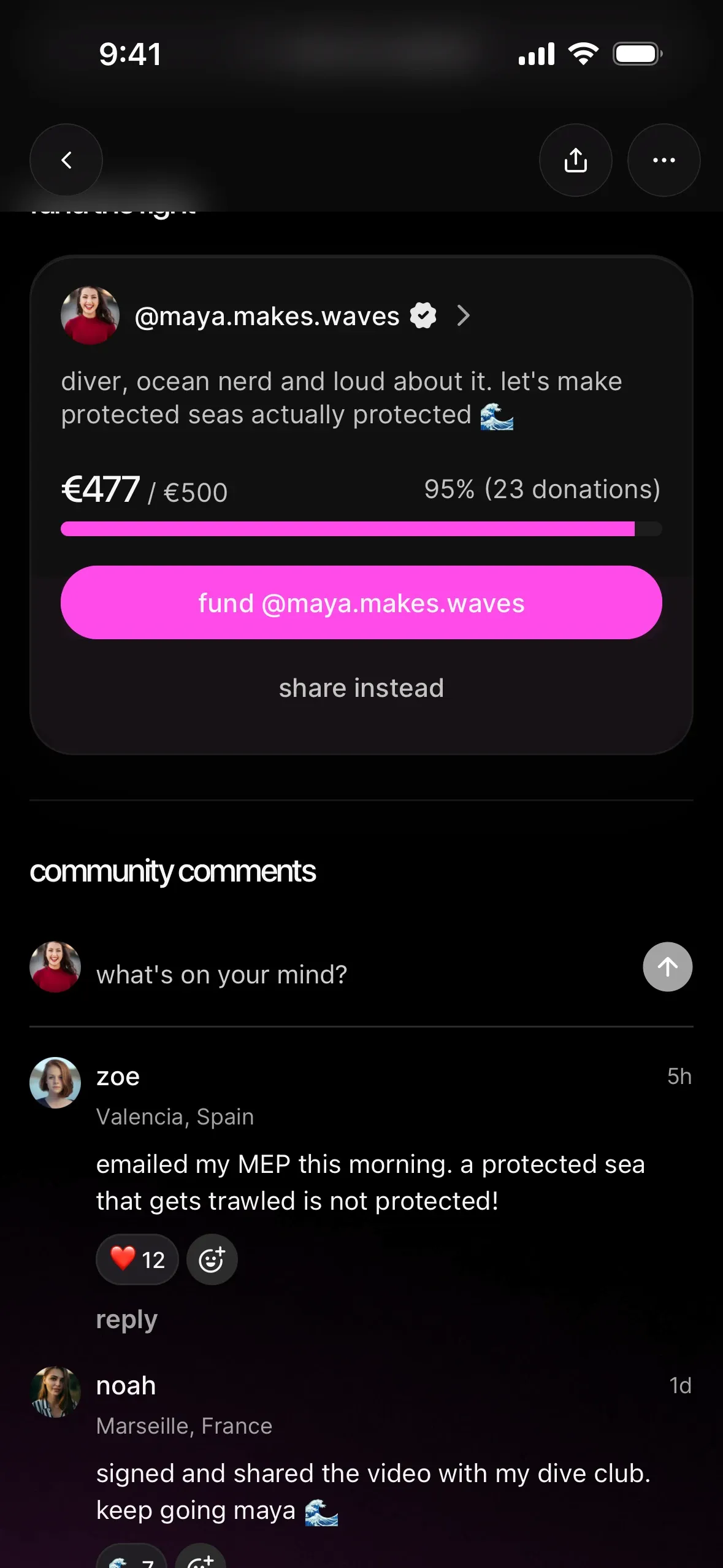
Every action now has a single page. On it you'll find your story, its ways to help with their live counters ("54 people did this"), the fight so far with your updates, the fund the fight section once donations are switched on for your account, your supporters and the community comments.
put your best ask first
The first way to help is the one most people finish, so now you choose it. Pin one way to help to the top of your action and it gets a pinned badge. Drag the others into the order you want. Fast, clear asks up top, the bigger ones below. The recipe is in how to design an action people actually complete.
Same idea one level up: your profile's pinned action still leads with the fight that matters now. More in set up your creator profile (and make it your link in bio).
tell your fundraising story
In fund my work on your profile, you can now write your fundraising story: a few lines on what supporters' money makes possible. It also shows in full on the fund the fight section of every action you create, right above the fund @yourname button. No story yet? Your bio shows there instead.
Donations are switched on per account, so ask the chilli team if you want them. After that, chilli takes a 0% platform fee, and only banking fees come out of each donation. How it all works: set up donations and get funded by your community.
know who showed up
Want your own copy of the people who took part? Open the … menu on your action page (the one with edit and unpublish) and tap export supporters. You get a CSV of everyone who took part in that action.
share it the moment it's live
Every action comes with ready-made share images, and they update when you change the title or the image, so what you post always matches your page. Tap share this action to grab them, or share profile on your profile. And when a new action goes live, your chilli supporters get a push notification, so the first wave starts on its own. Captions and formats that work: share your action: captions, stories and reels that get people moving.
try it today
Open your latest action and read it on your phone like a first-time supporter would. Is the story clear? Is the best way to help first? If not, pin it to the top, and tell us what you think.