set up your creator profile (and make it your link in bio)
Your profile is your link in bio. Fill in the bio, pin your most urgent action, add a little of you in 'about me', and paste the link everywhere.
Your chilli profile is the first thing a curious follower sees after tapping your bio. You've got about three seconds to answer two questions: who is this person, and what can I do right now? Here's how to nail both in about ten minutes.
what's on your profile
Your profile lives at app.chilli.club/profiles/yourname and it's one scrolling page, no tabs to get lost in:
- the top: your banner, photo, name, bio, supporter count and a "fund my work" button (once donations are on for your account).
- pinned action: the one fight you want everyone to see first. The empty slot literally says "show what matters now".
- my actions: every action you've published.
- fund my work: your fundraising story, the "why" behind asking for money.
- about me: photos and short answers that make you a human, not a logo.
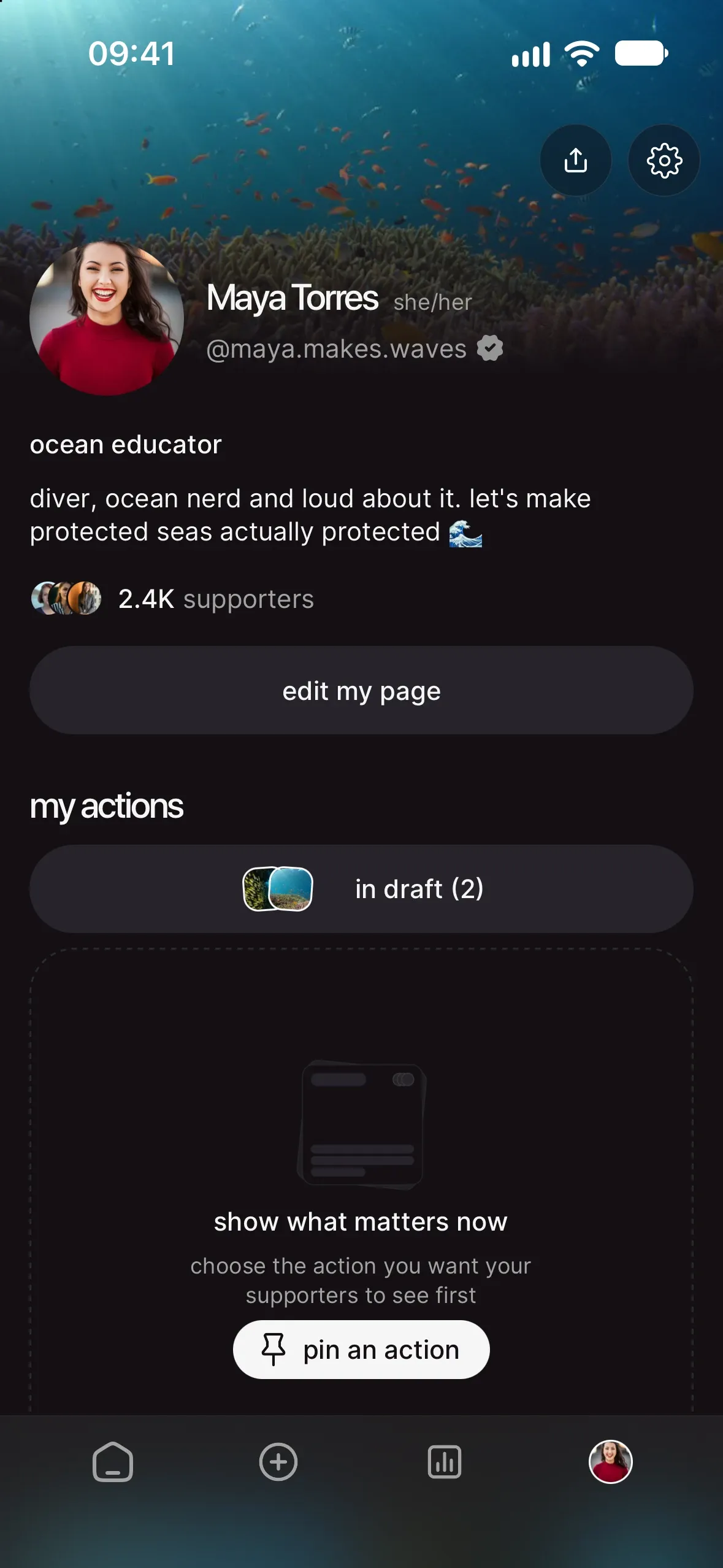
set it up, step by step
- Get in. Download the app or open app.chilli.club and sign up. Pick your username carefully: it becomes your link (
/profiles/yourname) and you can't change it just yet. Match your Instagram or TikTok handle so people recognise you. - Edit your page. From your profile, tap edit my page. Up top, tap the camera on the banner to swap the default pink header for your own picture (more on that just below), and the one on your photo to change your profile photo. Then add your full name, location, occupation and website. If you're posting as a group, add your organisation.
- Write your bio. The app's prompt nails it: "tell people what you care about and the change you want to create." One or two lines. Name the fight, not your job title.
- Fill in "about you". Add up to six photos (each with a tagline, like "the day we blocked the port") and answer up to three questions. This is where followers decide whether they trust you enough to act.
- Create and pin an action. A profile with nothing to do is a business card. Publish your first action (see how to create your first action on chilli, step by step), then tap "pin an action" and choose it.
- Write your fundraising story. In "fund my work", tell supporters what their money makes possible: research, travel, gear, editing hours. Donations are switched on per account, so ask the chilli team to turn on your donation module. More in set up donations and get funded by your community.
- Share it. Tap "share profile" for ready-made share images, plus "copy link", "stories", "QR code" and more.
pick a banner
Your banner is the wide picture behind your photo, the first thing people see when they land on your profile. Without one, you get the default pink header.
What to show: your fight, not your face (that's your photo's job). The coast you're protecting, the march, the forest, the river.
bios that do the job
Short, specific, a little defiant. Steal one and make it yours:
Ocean nerd. Fighting the krill industry one email at a time.
Utah skier trying to keep our water out of data centers. Pick a fight with me 🔥
Climate scientist turned loudmouth. I explain it, then we act on it.
Protecting wolves in Colorado. 30 seconds a week, real pressure on real people.
use your profile as your link in bio
This is the whole point. Put app.chilli.club/profiles/yourname in your Instagram and TikTok bio, or as the top link in your link-in-bio tool.
Why the profile and not a single action? Because your profile always shows your pinned action first, so you can switch what's urgent without touching your bio. New fight this week? Re-pin. Done.
Want to squeeze more clicks out of your bio? We wrote a whole guide on it: your link in bio is prime real estate. use it for action.
make "about me" earn its place
People act for people they trust. A few things that work:
- a photo in the field: at the protest, on the boat, at the public hearing.
- a "why I care" answer that's personal. "I grew up next to this lake" beats "I care about water".
- a win, even a small one. Proof you've moved something before.
When eight creators came together to fight Antarctic krill fishing, their audiences were different, but each profile made it obvious who they were and why krill mattered to them. Different voices, same aim, 3,224 actions.

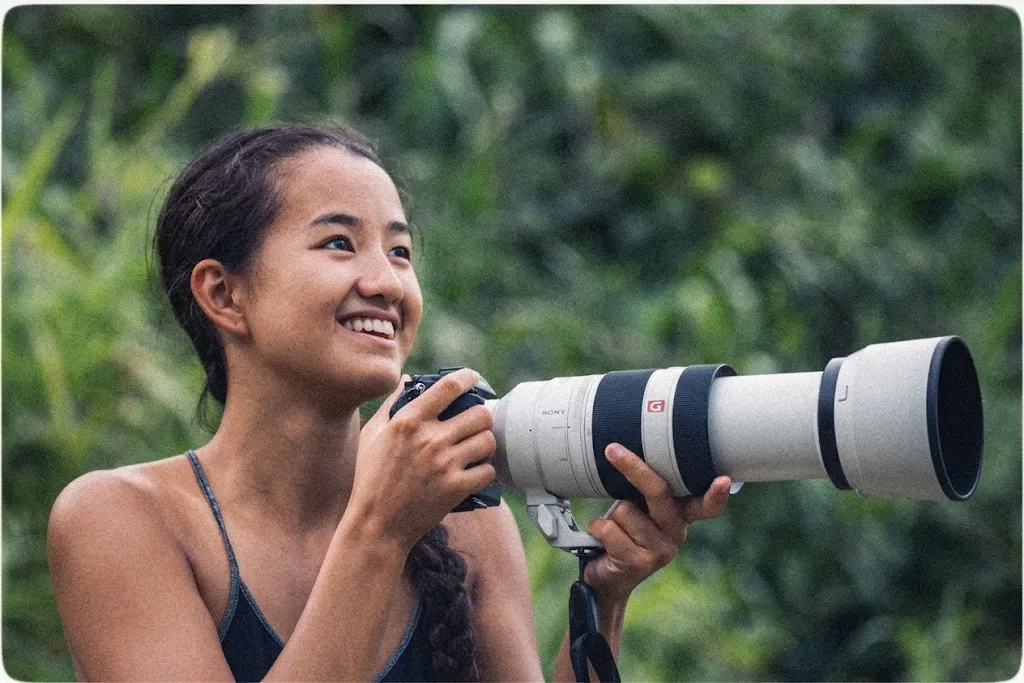 real win · Celina ChienHow creators made krill impossible to ignore
quick checklist
- username matches your social handle
- a banner that shows your fight, not the default header
- bio names your fight in one line
- at least one photo and one answer in "about you"
- one live action, pinned
- fundraising story written (donation module requested)
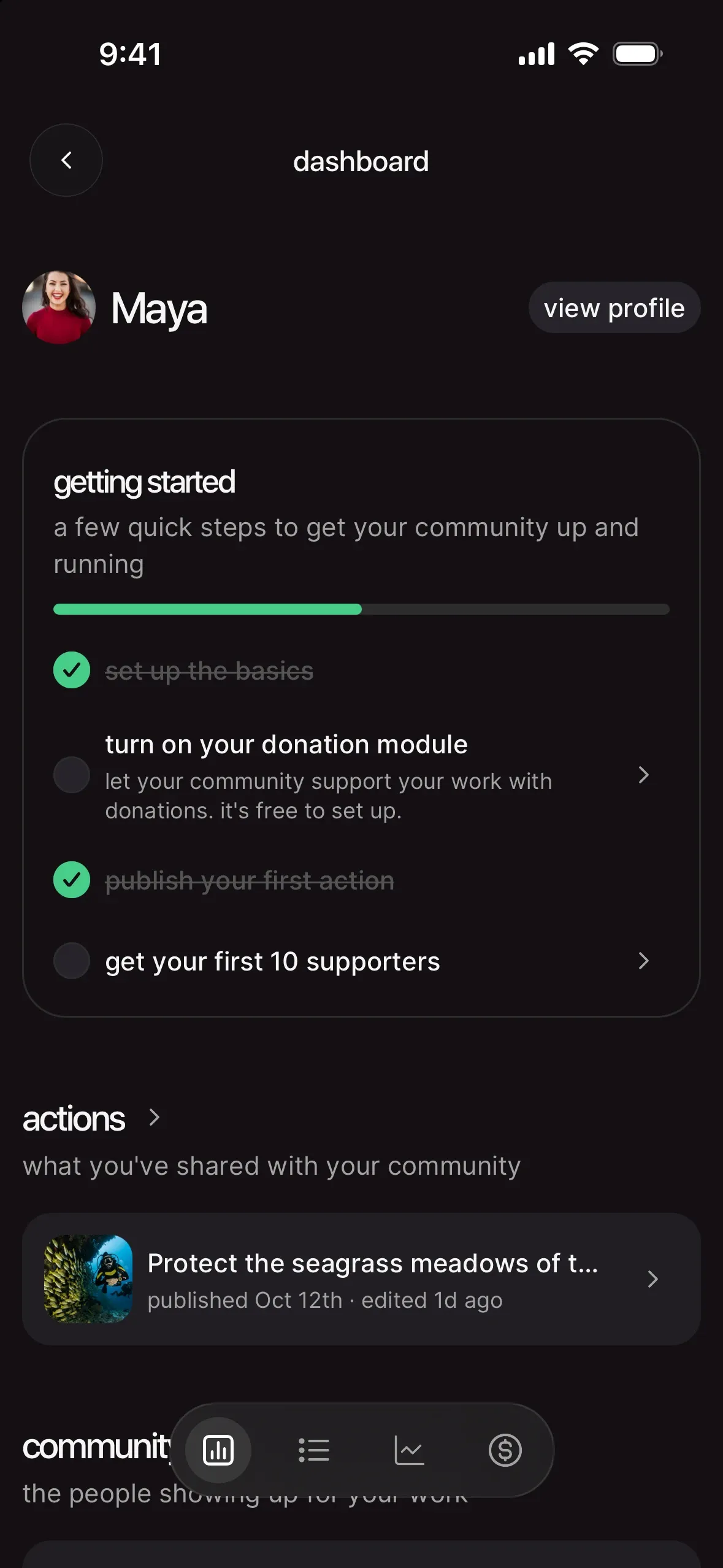
- "set up the basics" ticked on your dashboard
- profile link in your Instagram and TikTok bio
your next move
Your profile is ready for visitors. Give them something to do: how to create your first action on chilli, step by step.