how chilli works: actions, ways to help and supporters
You publish an action, fill it with ways to help, and share one link. Supporters do the thing in seconds, and you see every completion and tell them what it changed.
chilli has four moving parts: actions, ways to help, supporters and updates. Learn those four words and you know 90% of the app. Here's the whole machine, no PhD required.
the four words that run everything
action
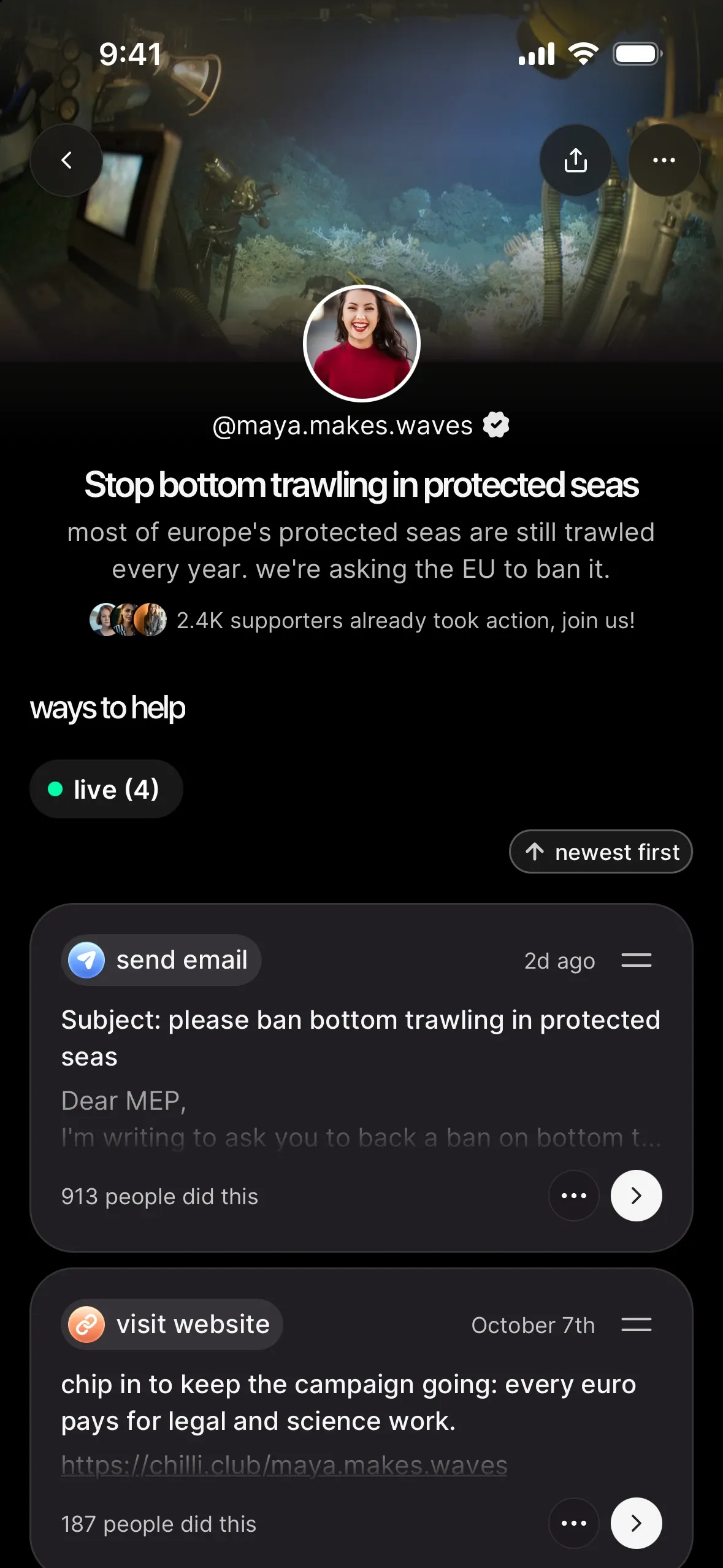
An action is the page you publish for one fight. It has an image, a title, a short intro, a "why it matters" story and a list of things people can do. Every action gets its own link: app.chilli.club/a/…. Think of it as a mini campaign page you can spin up in minutes.
ways to help
Ways to help are the individual tasks inside an action. "Email the Minister of Fisheries." "Call your senator's office." "Comment on the CEO's latest post." There are six types:
| type | what your supporter does |
|---|---|
| sends an email you wrote, personalised for them by chilli | |
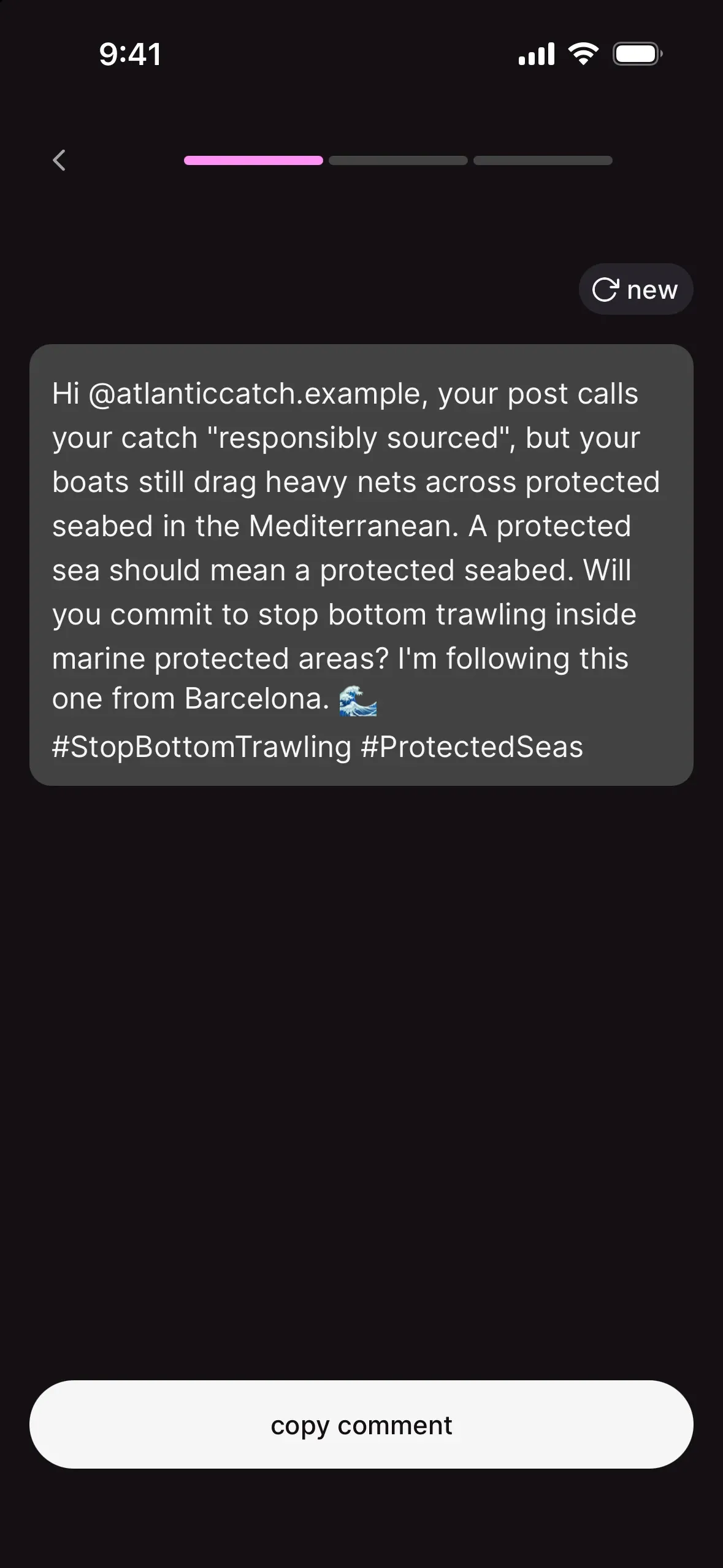
| social comment | comments on a specific public post (Instagram, LinkedIn or X) |
| Google Maps | leaves a review on a specific place |
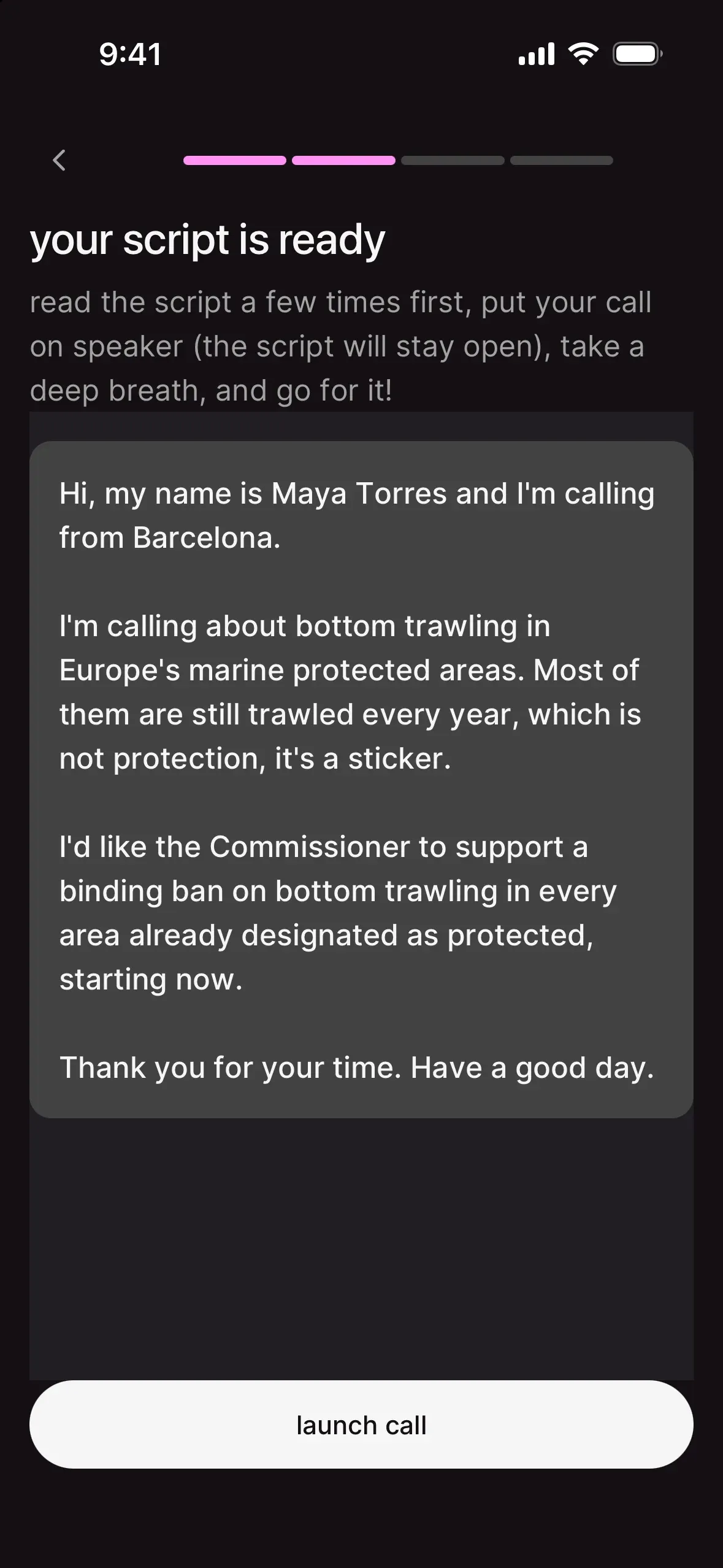
| phone call | calls a number with a script you wrote |
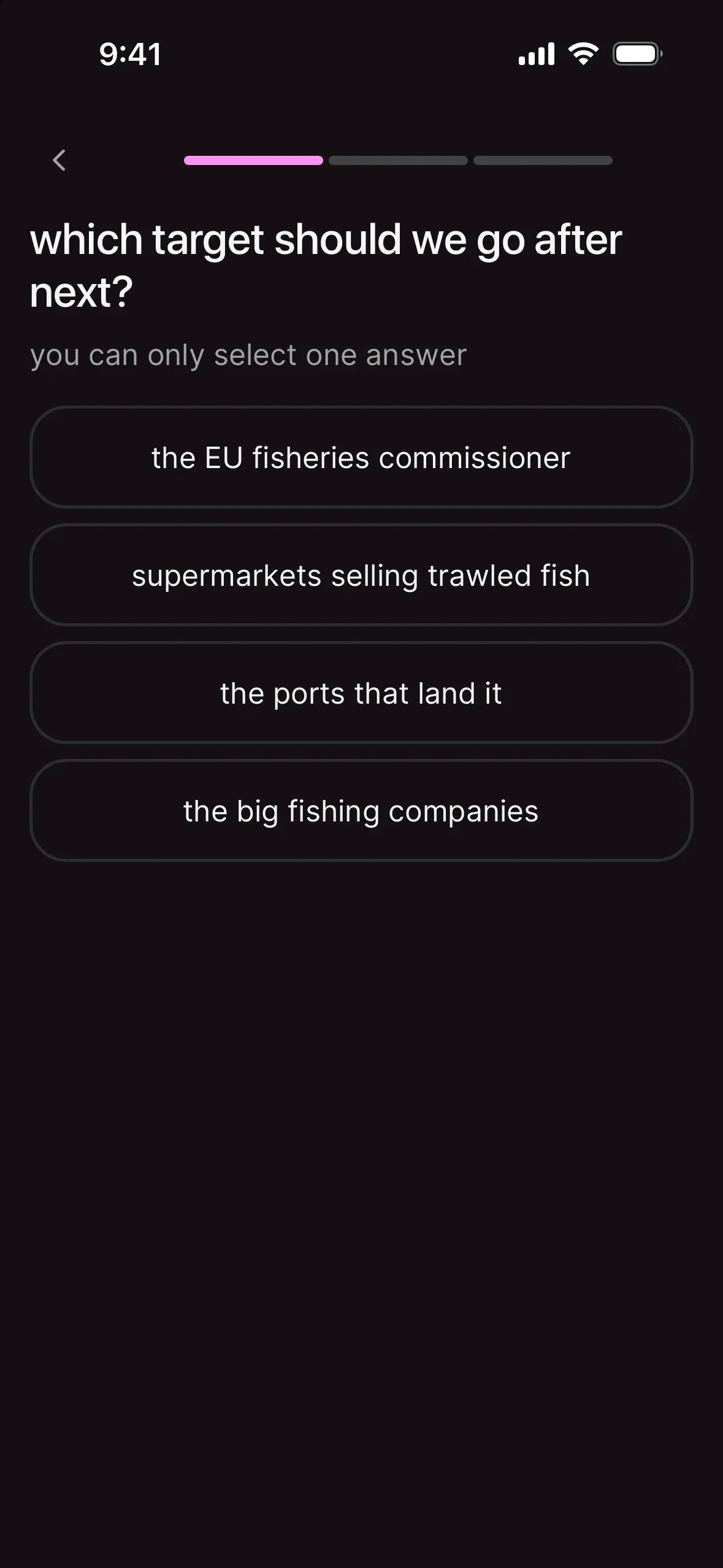
| survey | answers a question you ask |
| external link | goes to another site (a petition, a consultation, an article), with a message they can copy |
Each way to help shows a live counter ("312 people did this") so everyone can see the pile-on growing. Full breakdown in ways to help, explained: every type of action on chilli.
supporters
A supporter is anyone who follows you on chilli or starts one of your ways to help. When you publish a new action, your current supporters get notified. That's the magic: every action you run grows the list for the next one.
updates
Updates are short posts on your action page, shown under "the fight so far". Text, image, video or a voice note. They go to your supporters by email and push notification. Use them to say "here's what your emails did". The chilli team can even prepare updates for you to review.
your three links
You'll share three kinds of links, and they each do a different job:
- your profile:
app.chilli.club/profiles/yourname. Your home base and the link that lives in your bio. Pinned action, all your actions, "fund my work" and "about me", on one page. - an action page:
app.chilli.club/a/…. Where the doing happens. This is what you drop in stories, DMs and captions when a specific fight is live. - your donation page: where people back your work, one-time or monthly. Available once donations are switched on for your account.
Rule of thumb: bio link = profile, post and story link = the action.
what a supporter experiences
- They tap your link and land on the action page, with the story and a headline like "1,204 supporters already took action, join us!".
- They pick a way to help, say "send email".
- They see the message, already personalised for them, so a thousand emails don't arrive as one copy-paste blob.
- They send it. It takes about as long as reading this list.
- They get a thank-you ("Thank you for showing up. Every action adds up.") and move on to the next way to help.
- When they've done them all: "all done", plus a nudge to share the impact with their friends.
No petition-style form filling, no "sign up to our newsletter" wall. It's built to be finished on a phone, between two reels.
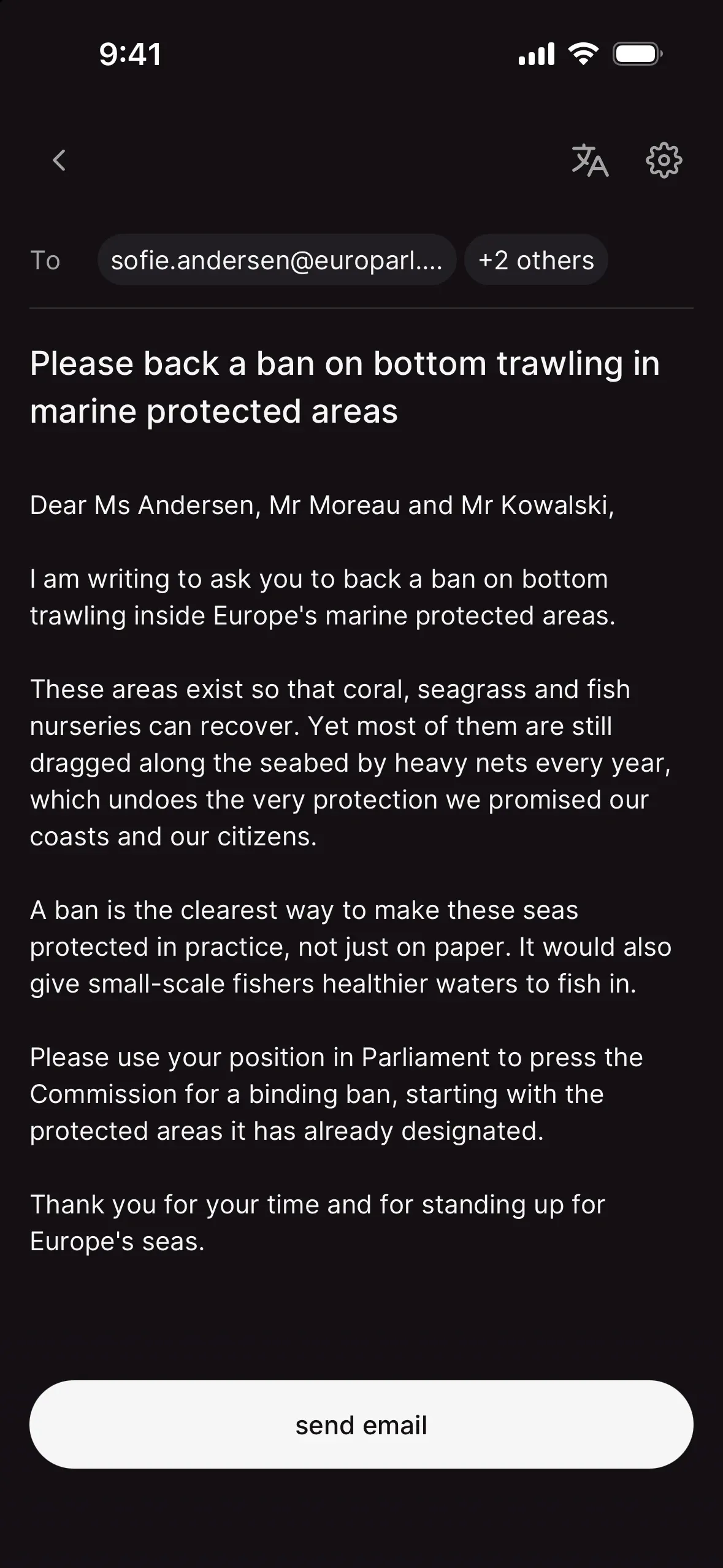
what you see as the creator
- counters on every way to help ("12 people did this"), and a total on the action page. Everyone sees them, you included.
- your dashboard: your checklist, your actions, your community insights and your revenue, in one place. More just below.
- export supporters: a CSV from your action page menu, for when you want to thank people properly.
- a go-live checklist on your action page: "get your action live" walks you through the 3 steps to go live, then "you're live!" helps you make the most of the first days. See how to create your first action on chilli, step by step.
the app, in a few tabs
On mobile, chilli starts with three tabs in the bottom bar: home (search, notifications, "pick up where you left off", "popular this week"), + (start a new action) and profile (yours). On a computer at app.chilli.club it's the same product, with a sidebar on the left: home, create and profile.
On your phone, turn notifications on when chilli asks (the "don't miss a thing" card on home), or anytime in settings, under notifications. That's how you hear right away when supporters tip you or message you, and when the chilli team needs you.
The + button (or create on a computer) is the one that matters. Publishing actions is to chilli what posting videos is to YouTube. It's also how you unlock the fourth tab: as soon as you've created your first action, a dashboard tab appears.
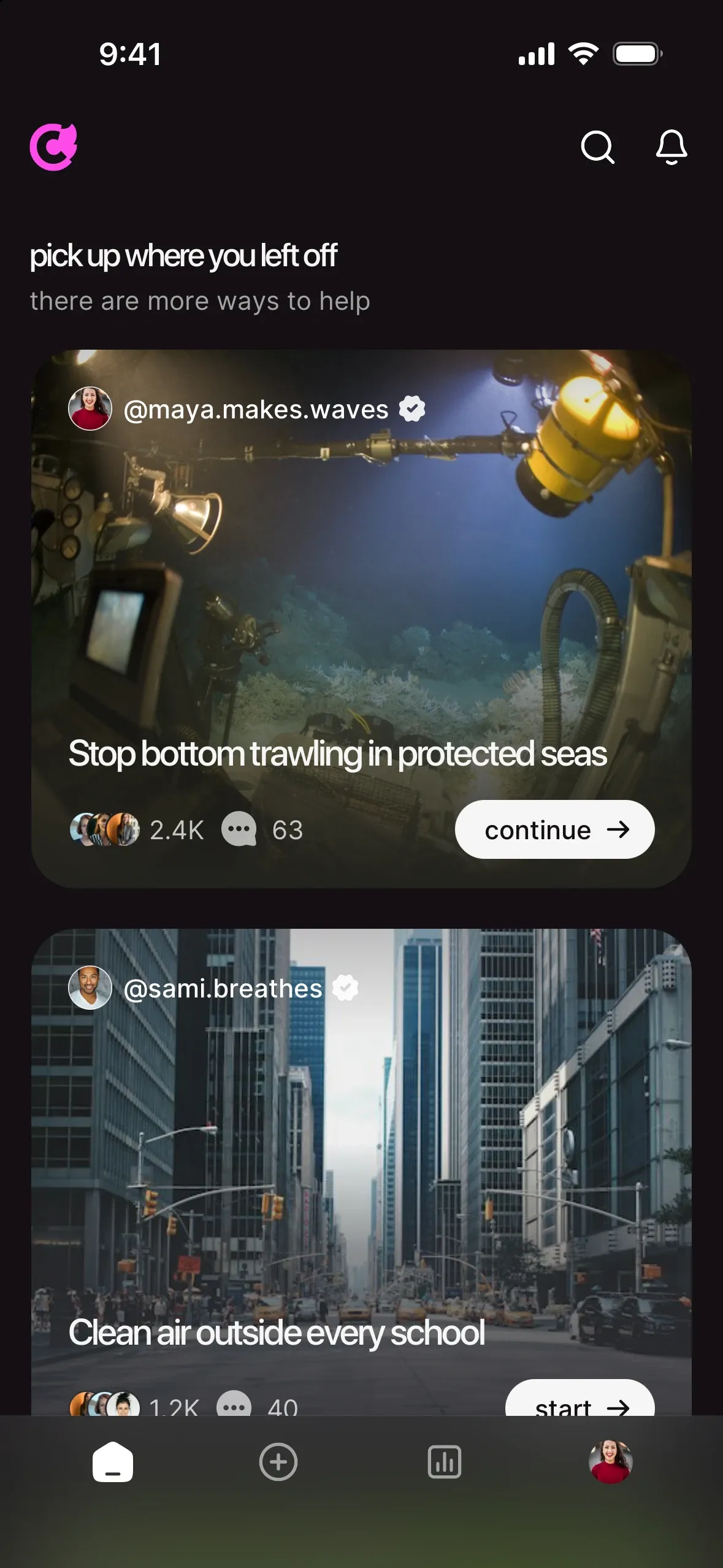
your dashboard
Your dashboard is your creator space. It shows up once you've created your first action: tap the dashboard tab on mobile, or dashboard in the left sidebar on a computer. Before that, there's nothing to run yet, so start with + (or create).
| section | what it's for |
|---|---|
| dashboard | your home: what to do next, what's ready for your review, your latest actions, your numbers at a glance |
| actions | every action you've made, drafts included. Search, filter published or drafts, sort by newest or last edited, start a new action |
| community | your supporters, ways to help completed, top countries and age ranges, and how each action performs. See community insights: read your numbers, run better actions |
| revenue | your balance, monthly supporters and cash out. Shows once donations are switched on for your account. See set up donations and get funded by your community |
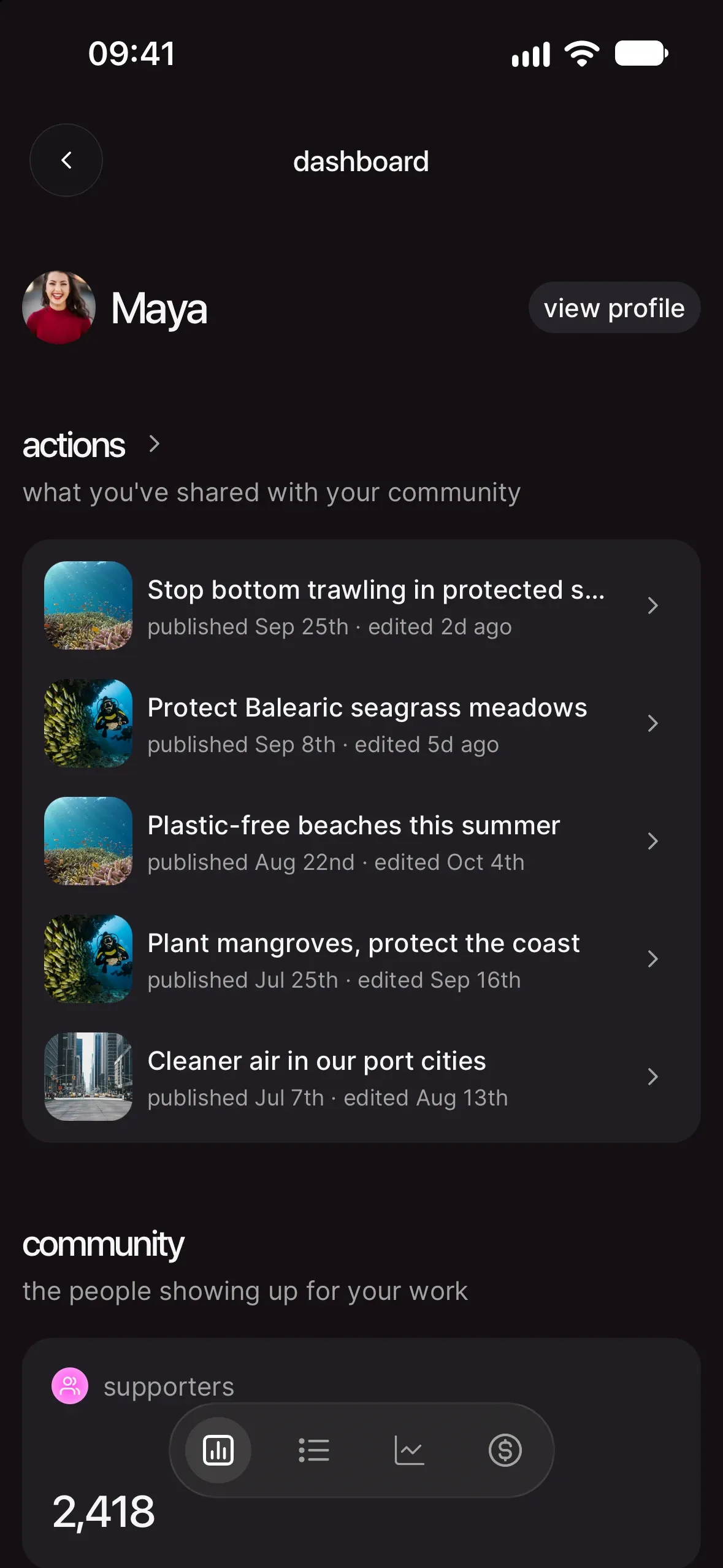
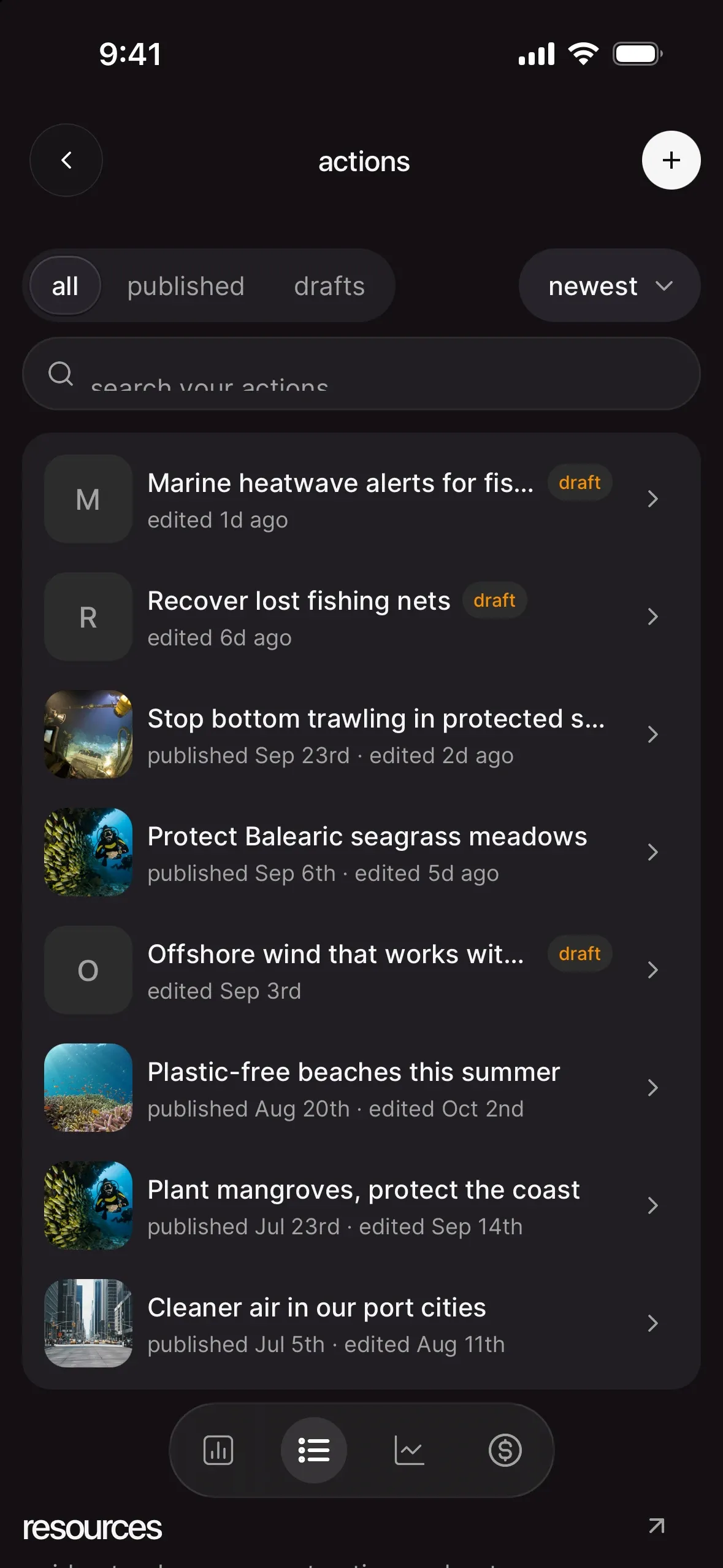
The dashboard home opens with getting started, "a few quick steps to get your community up and running": set up the basics (photo, name and bio), turn on your donation module (when donations are available for your account), publish your first action (it ticks once your action is live) and get your first 10 supporters. Each step ticks itself when it's done, and the checklist disappears once you've finished it.
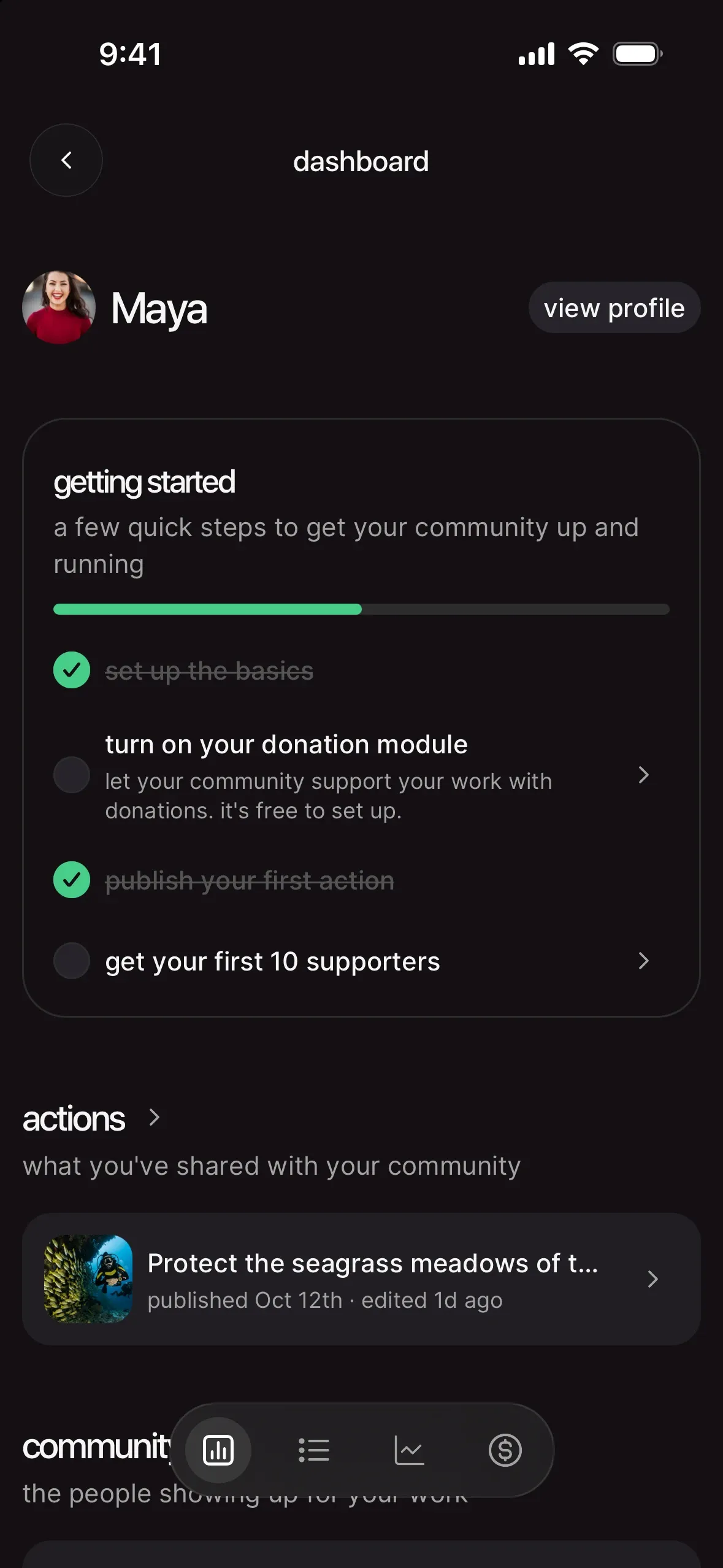
Next comes ready to publish, when the chilli team has prepared something for one of your actions: new ways to help, updates, sometimes a whole new action (that row gets a new action page tag). Once an action has supporters, its row shows how many. A pink dot on the dashboard icon tells you something is waiting. Tap a row to go through it, and publish only what you like: review what the chilli team prepared for you.
Then actions, then community (from your first supporter) and revenue (from your first donation). At the bottom, resources links to the guides on this site that fit where you are right now, from "get started" to "fund your work".
how it looks in the wild
The Captain Paul Watson Foundation ran wave after wave of actions against Icelandic whaling: emails to ministries and embassies, calls to hotels, reviews, comments on tourism channels. Supporters followed every twist through updates, and kept coming back. Result: 47K+ actions from 5K supporters.

 real win · Captain Paul Watson FoundationPaul Watson put Iceland's whale hunt in the spotlight
your next move
Set up the page your followers will land on first: set up your creator profile (and make it your link in bio).